Delete all node_modules folder using npkill
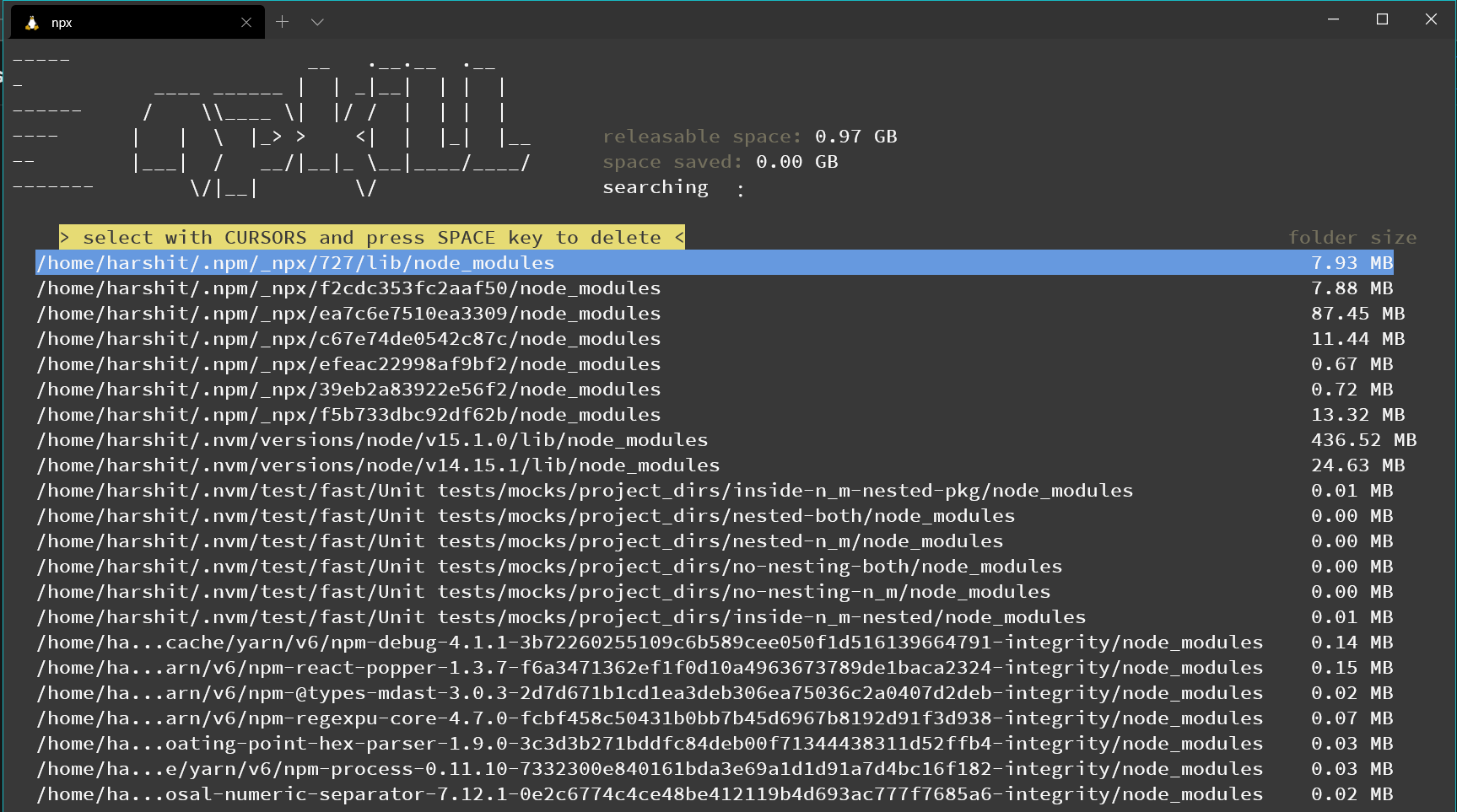
Step 1: Install it
sudo npm i -g npkill
Or you can use it without installing with npx
npx npkill
Step 2:
Go the directory where you want to scan for node_modules folder
npkill     # if you have installed it

npx npkill     # if you have not installed it
Step 3: Delete the unwanted node_modules folder
- Use the arrow keys to navigate.
- Press the space key to delete the selected folder.
- To exit press
qorctrl + c
The default folder to scan is "." that is the current dir.
For more information about the flags that can to be used visit
Comments
Join the discussionNo comments yet. Be the first to comment.